Skip to content

Ready for phase two of e-invoicing

The point of salefor tax invoices,online and off.

Ebtkar Web Cashier runs your sales, stock and accounts, and issues invoices that meet Zakat, Tax and Customs Authority requirements from a computer or a phone.

  • QR-coded invoices
  • Works offline
  • 7-day free trial

Compatible with Zakat, Tax and Customs Authority requirements and the Fatoora platform

Zakat, Tax and Customs AuthorityFatoora platform

One systemacross your devices

A desktop cashier, a mobile sales app, a manager app, a web dashboard and extra registers, all linked to the same system.

Desktop cashier

Sales, purchases and vouchers on one screen, with printer, barcode scanner and scale.

Learn more
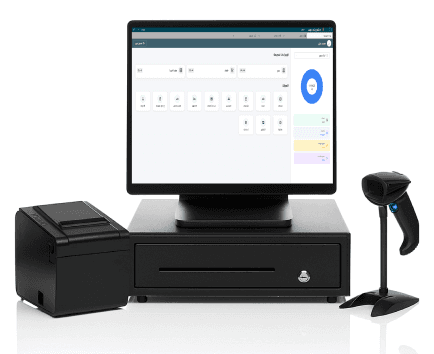
The desktop cashier on a till screen with a receipt printer, barcode scanner and cash drawer

Sales app

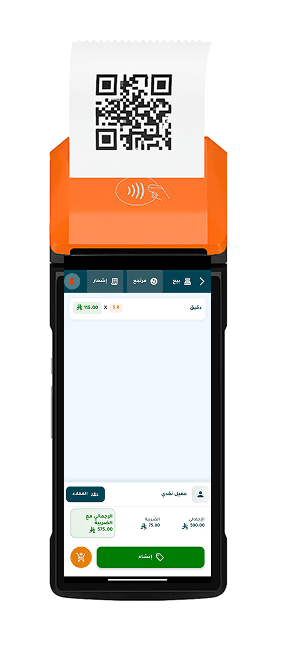
Issue the invoice and print it with its QR from a phone or a handheld.

Learn more
The sales app on a handheld terminal printing a receipt with a QR code

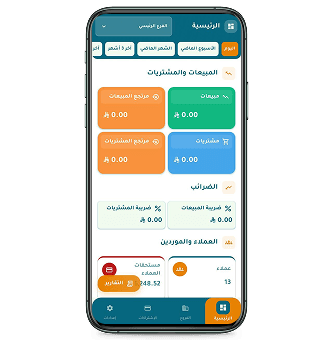
Manager app

Follow sales, purchases and tax for each branch from your phone.

Learn more
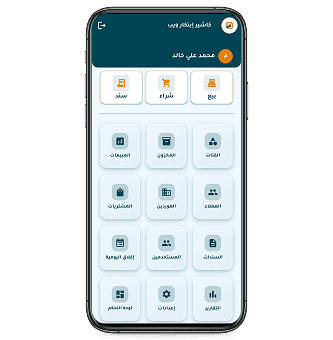
The manager app on a phone showing sales, purchases and tax

Dashboard

Today's sales, customer and supplier balances, and subscription status on one page.

Learn more
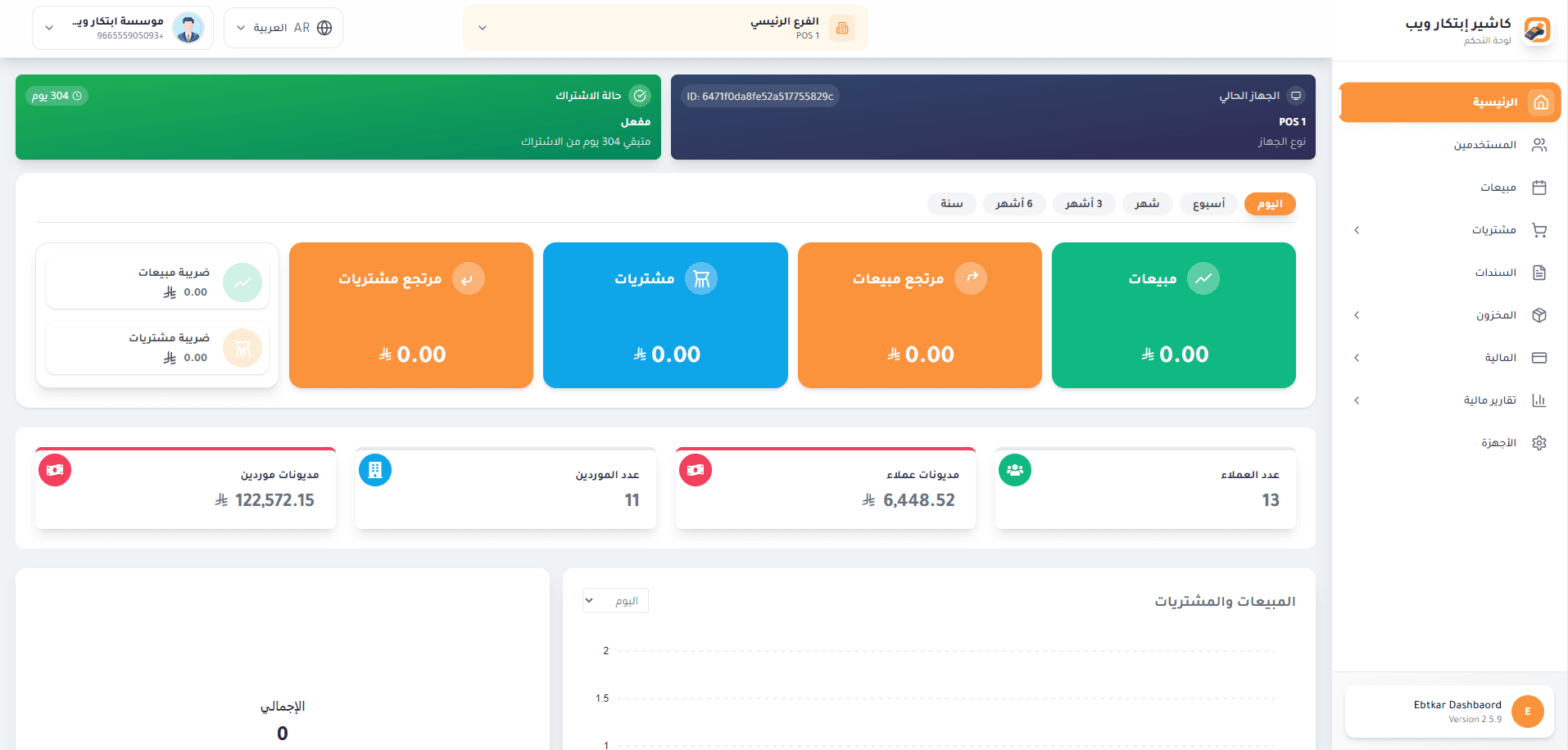
The web dashboard showing sales, purchases, and customer and supplier balances

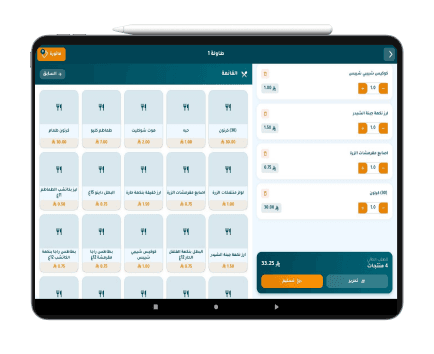
Extra register

Add a second till or a tablet for taking orders, linked to the same system.

Learn more
An extra register on a tablet showing the product menu and a table order

Works onlineand offline

Connection dropped? Selling and invoicing carry on at the till, and the data uploads to the cloud by itself when the internet returns.

  • Selling without interruption

    Sell, manage stock and issue invoices while offline.

  • Automatic sync

    A backup of your data is saved to the cloud once you reconnect.

  • Your data stays yours

    Your data is kept safe and private, connected or not.

Start the free trial
Ebtkar Web Cashier dashboard showing today's sales and subscription status

Synced a second ago

On the deviceyou already use

A till screen, a laptop, a tablet, a phone, or a handheld terminal with a printer.

  • Sales screen with printer and barcode scannerDesktop till
    Sales screen with printer and barcode scanner
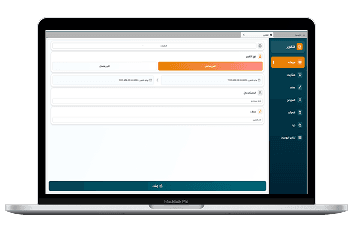
  • Reports and accounts on a laptopLaptop
    Reports and accounts on a laptop
  • Table orders on a tabletTablet
    Table orders on a tablet
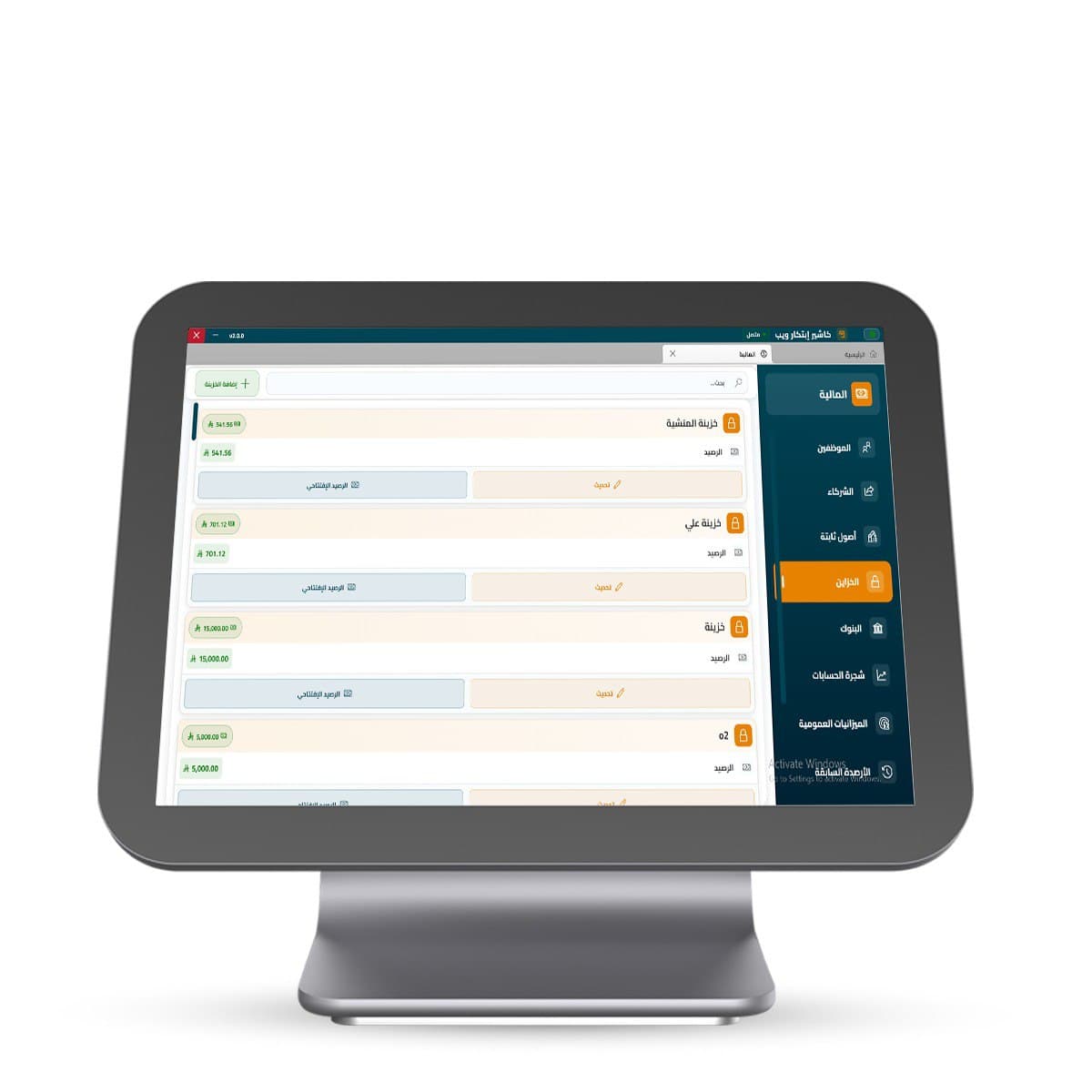
  • Cash drawers and accounts on a touchscreenTouchscreen
    Cash drawers and accounts on a touchscreen
  • The cashier's main menu on a phonePhone
    The cashier's main menu on a phone
  • A printed invoice with its QR from a handheldHandheld
    A printed invoice with its QR from a handheld
Features

Everything the shopneeds in one system

From issuing the invoice to closing the day, in one place.

  • Shops
  • Restaurants and cafés
  • Services and maintenance
  • Invoices

    Sales, purchases and returns with a ZATCA-compliant QR, your logo and your VAT number.

  • Products, services and categories

    Quick entry with images and barcodes, and full control of prices.

  • Inventory

    Track quantities and item movement at any time.

  • Customers and suppliers

    An account for each customer and supplier, with balances you can follow.

  • Users and permissions

    An account for each employee, with permissions for what they see and change.

  • Daily closing

    The day's financial movements are posted to the books at the end of each day.

  • Printers

    Connect the till printer and the kitchen printer, and print at receipt size or A4.

  • Barcode scales

    Send items to the scale, and sell weighed goods by scanning the barcode.

Also included

  • Offline working
  • Purchase invoices
  • Receipt and payment vouchers
  • Reports
  • Payroll
  • Data backup
  • Interfaces set up for your business
  • Restaurant and café setup
  • Service and maintenance invoices
  • Mandatory invoice fields
  • Category management
  • Dashboard
  • Price quotations
  • Drag-to-sort products
  • Price changes at the till
  • Product composition

Reports that answeryour questions

30 reports in 6 groups. Save them as PDF, print them or share them.

Financial

  • Profit and loss
  • Balance sheet
  • Cash flow
  • Financial position
  • Equity

Sales

  • Daily sales
  • Monthly sales
  • Product performance
  • Top customers
  • Sales by category

Inventory

  • Stock movement
  • Current stock
  • Expired products
  • Best sellers
  • Reorder

Tax

  • VAT return
  • Tax due
  • Tax paid
  • Tax invoices
  • Tax exemptions

Customers and suppliers

  • Aged debts
  • Customer accounts
  • Supplier accounts
  • Payments received
  • Payments made

Staff and payroll

  • Monthly payroll
  • Attendance
  • Leave and absence
  • Bonuses and incentives
  • Social insurance

Export any report the way you need it

  • Save as PDF
  • Print 80/50
  • Print A4
  • Share instantly
For restaurants and cafés

Tables, ordersand kitchen in one system

Take the order at the table on a tablet, and it goes straight to the right kitchen section.

  • Table management

    Staff take orders at the table on a tablet.

  • Sent to the kitchen

    Each order is routed to the right kitchen section as soon as it is entered.

  • A bill per table

    A detailed bill for each table, which you can split.

  • Dine-in and takeaway

    Dine-in and takeaway orders under one order numbering.
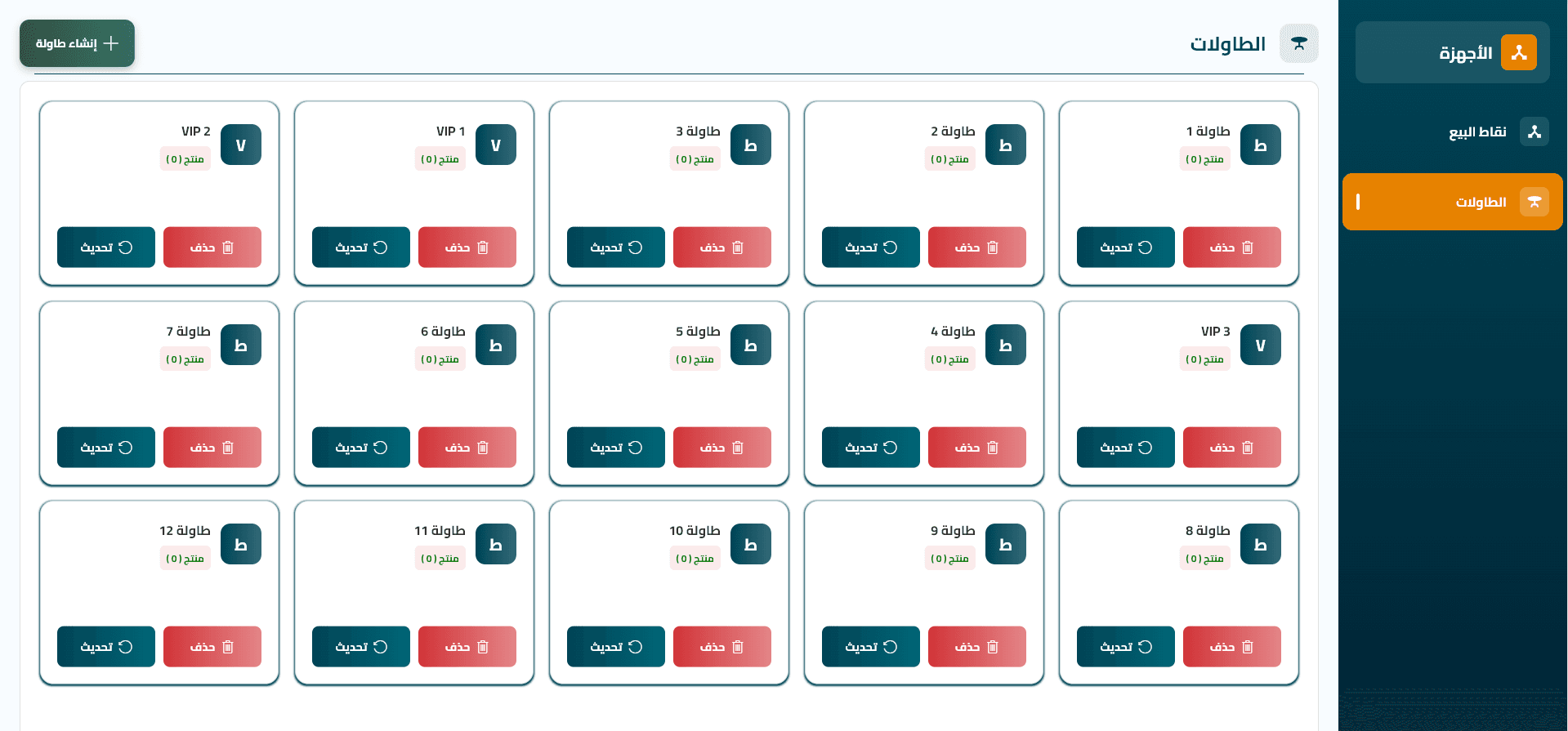
The tables screen in Ebtkar Web Cashier showing twelve tables and three VIP tables

Why businessesand their teams choose it

  • ZATCA compliant

    Compatible with phase two of e-invoicing and the Authority's regulations.

  • Works online and offline

    You keep working when the internet drops, and data syncs when it returns.

  • Detailed reports

    Sales, profit, stock and customers in clear reports.

  • Data protection

    Automatic backups, and multi-level permissions for users.

  • Free updates

    New features arrive automatically, keeping up with regulatory requirements.

  • Multiple branches

    Run your branches from one place, and follow each one separately.

  • Less time on admin

    Automating accounting and admin work cuts manual effort and mistakes.

  • Technical support

    A dedicated support team answers your questions over WhatsApp and phone.

Get the appon your device

The sales app on Android and iOS, and the desktop cashier on Windows.

Try it in your shop,free for 7 days

Create your account, add your products and issue your first invoice today.

Contact

Ask us beforeyou start

For questions or technical support, write to us and we reply within one working day.

QR code for the commercial registration details
Commercial registration details

Send a message